Relevant audience segments
Prepare an audience around interest, location, lead source or customer stage. Review contact quality and communication preferences before including people in a campaign.

Powerful tools to grow your business communication.

Bulk Whatsapp
Plan WhatsApp communication around the people you want to reach. Organize CRM audiences, prepare useful messages and coordinate responses with the team responsible for following up.
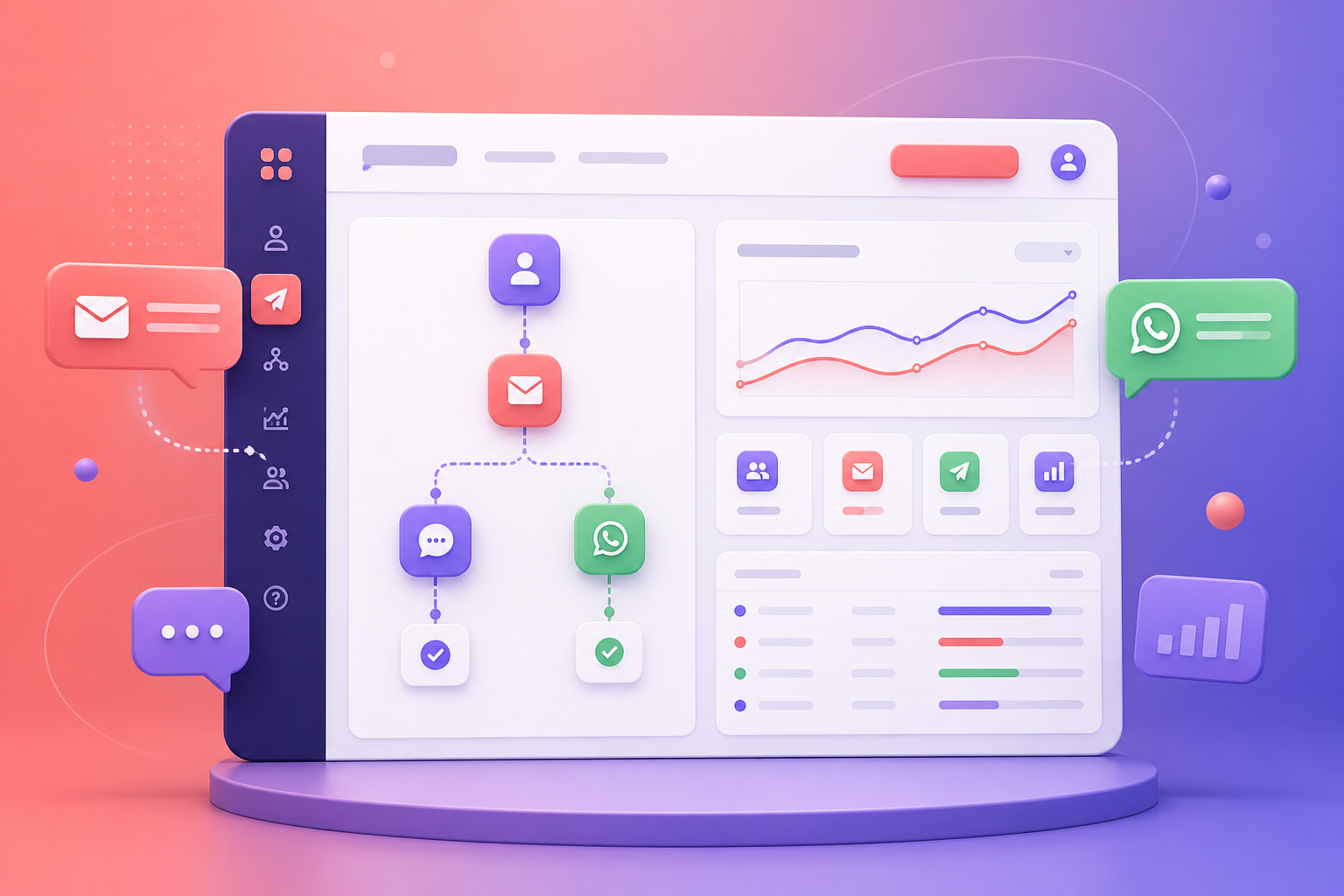
Bulk messaging works best when the audience, message and next action are planned together. Stingo's marketing workflow brings campaign preparation and customer follow-up closer to your CRM records.
Prepare an audience around interest, location, lead source or customer stage. Review contact quality and communication preferences before including people in a campaign.
Use reusable message drafts to keep the offer or update clear. Check names, dates, links and the action requested from the recipient before scheduling the campaign.
Coordinate WhatsApp campaigns with the team's calendar and other marketing activity. Review the scheduling options and sending setup available for your selected plan.
Decide who handles replies and how interested contacts enter the sales or service workflow. Review campaign activity together with conversations and the next actions recorded by your team.
Choose the campaign purpose and review the audience, contact details and communication preferences.
Write the message, check the linked destination and confirm any requirements of your configured sending channel.
Review the sending setup and timing, then coordinate the campaign with the people handling responses.
Review available campaign results, organize customer replies and assign the next action to sales or service.
A business invites interested customers from one region to a product demonstration. The campaign explains the event and the next step clearly. The sales team then follows up with respondents, records their requirements and arranges the appropriate conversation after the event.
Bring a sample audience, the type of message you want to send and the expected campaign volume. Review the WhatsApp connection, available reporting, scheduling options and applicable charges. Agree on who will monitor replies before the first campaign goes out.
Discuss your requirementsPractical details to help you plan the right setup for your team.
No. A bulk campaign starts with a message for a selected group. A bot handles a conversation and its next steps. Use the AI Bot & Automation page to explore that separate workflow.
These depend on the proposed WhatsApp setup. Confirm the connection method, supported content, message requirements and reporting in your demo before planning a campaign.
Ask for a quote that separates CRM access, the WhatsApp setup and any usage charges. Confirm campaign volume and the selected provider arrangement before rollout.