Voice menus
Organize greeting and department choices so callers can reach sales, support or another service without guessing whom to contact.

Powerful tools to grow your business communication.

Inbound IVR
Welcome callers with a clear voice menu, direct enquiries to sales or support, and keep the next action connected to the customer record.
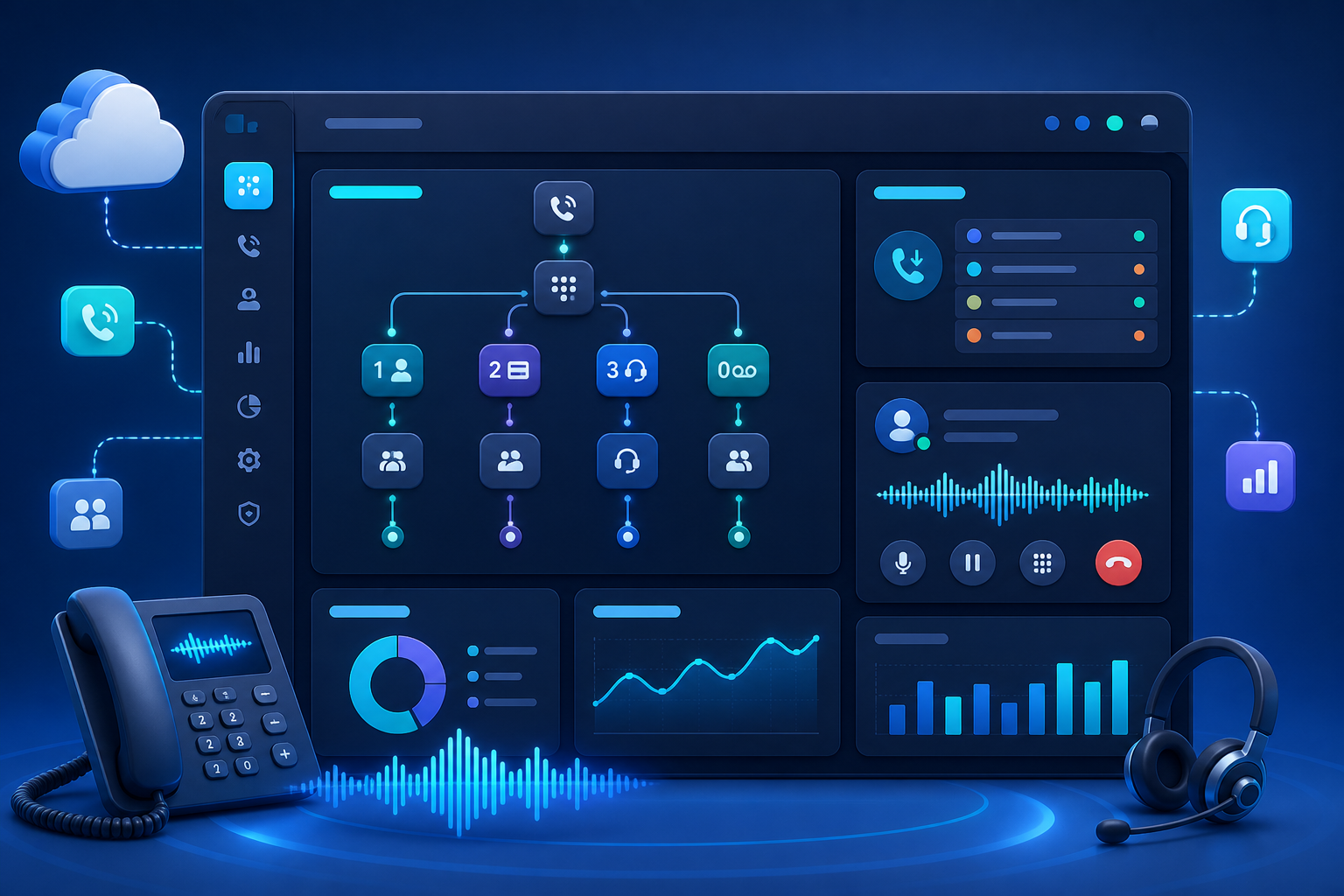
An inbound helpline starts with the customer reaching you. Build a call flow that helps callers choose the help they need and gives your team a consistent process for answering and following up.
Organize greeting and department choices so callers can reach sales, support or another service without guessing whom to contact.
Plan how incoming calls reach the responsible team, including the next destination when an agent is unavailable.
Keep enquiry details and conversation notes with the customer record so the receiving team can continue the discussion.
Review unanswered enquiries and assign callbacks so a missed connection has a clear owner and next step.
A customer calls your business number and hears the greeting.
The caller chooses the department or type of assistance through the IVR menu.
The configured call flow connects the enquiry to the relevant team.
Record the conversation and assign a callback, sales follow-up or service action.
A customer calls about an existing service request and selects support. The support team reviews the issue and records the next action. A new buyer selecting sales reaches the sales workflow instead, keeping both enquiry types organized.
Bring your preferred greeting, department menu, business hours and agent list. Map unanswered-call handling and after-hours requirements, then review number setup and routing options during the demo.
Discuss your requirementsPractical details to help you plan the right setup for your team.
It answers incoming business calls with a voice menu and routes callers according to the configured choices.
Agree on a fallback destination and callback process during setup. Review how missed enquiries will be tracked and assigned to your team.
A department menu can separate sales enquiries from support requests. Confirm the number and routing configuration needed for your teams.