Enquiry organization
Record the contact details and service requested for an administrative enquiry, with a clear owner responsible for responding.

Powerful tools to grow your business communication.

Healthcare CRM
Organize non-clinical enquiries, appointment follow-ups and service communication in a shared CRM workflow. Help reception and coordination teams provide a more consistent experience.
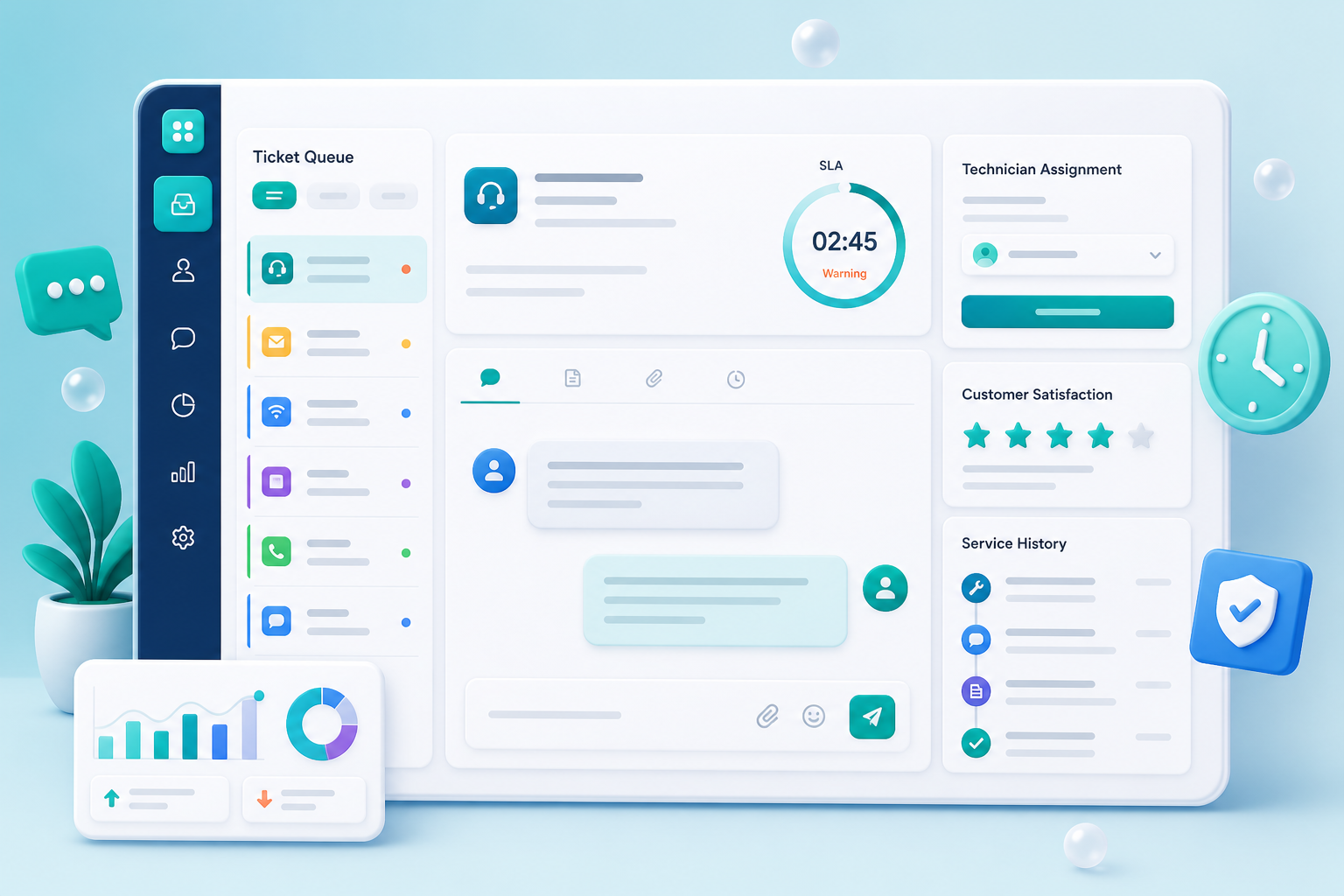
Healthcare coordination involves many conversations before and after an appointment. A clear enquiry process helps the team understand who needs a response and which department should handle the next step.
Record the contact details and service requested for an administrative enquiry, with a clear owner responsible for responding.
Plan confirmation calls and next actions around your scheduling process. Keep coordination tasks visible to the people responsible.
Route administrative requests to the appropriate coordinator with enough context to avoid asking the visitor to repeat the same information.
Track feedback and non-clinical concerns through follow-up and closure, so the team can review recurring service issues.
Capture the enquiry and establish the appropriate contact and administrative requirement.
Assign the request to the relevant reception, scheduling or service team.
Track the agreed next action and keep the visitor informed through the approved communication process.
Close the coordination task and review unresolved enquiries or recurring service concerns.
A visitor asks about a service and an available appointment. Reception assigns the follow-up to a coordinator, who records the response and next action so another shift can continue the conversation.
Bring your administrative enquiry categories, scheduling workflow and team access requirements. Agree on what information belongs in CRM and how it will connect with existing appointment systems.
Discuss your requirementsPractical details to help you plan the right setup for your team.
This page describes administrative CRM workflows for enquiries and follow-ups. Clinical records, diagnosis and treatment workflows require a separately evaluated system and scope.
Bring the scheduling system details to the demo. Confirm the integration, supported information and update direction before planning a rollout.
Define which administrative roles need each type of information and review the available controls during implementation. Keep the CRM data set focused on the agreed coordination purpose.