SIM-based calling
Use the Stingo mobile app to call from your existing SIM and number, with one-tap dialing from the lead record.

Powerful tools to grow your business communication.

Tele Calling CRM
Bring your calling team, customer history and follow-ups into one workspace. Help agents prepare for conversations and keep managers informed about the work behind every opportunity.
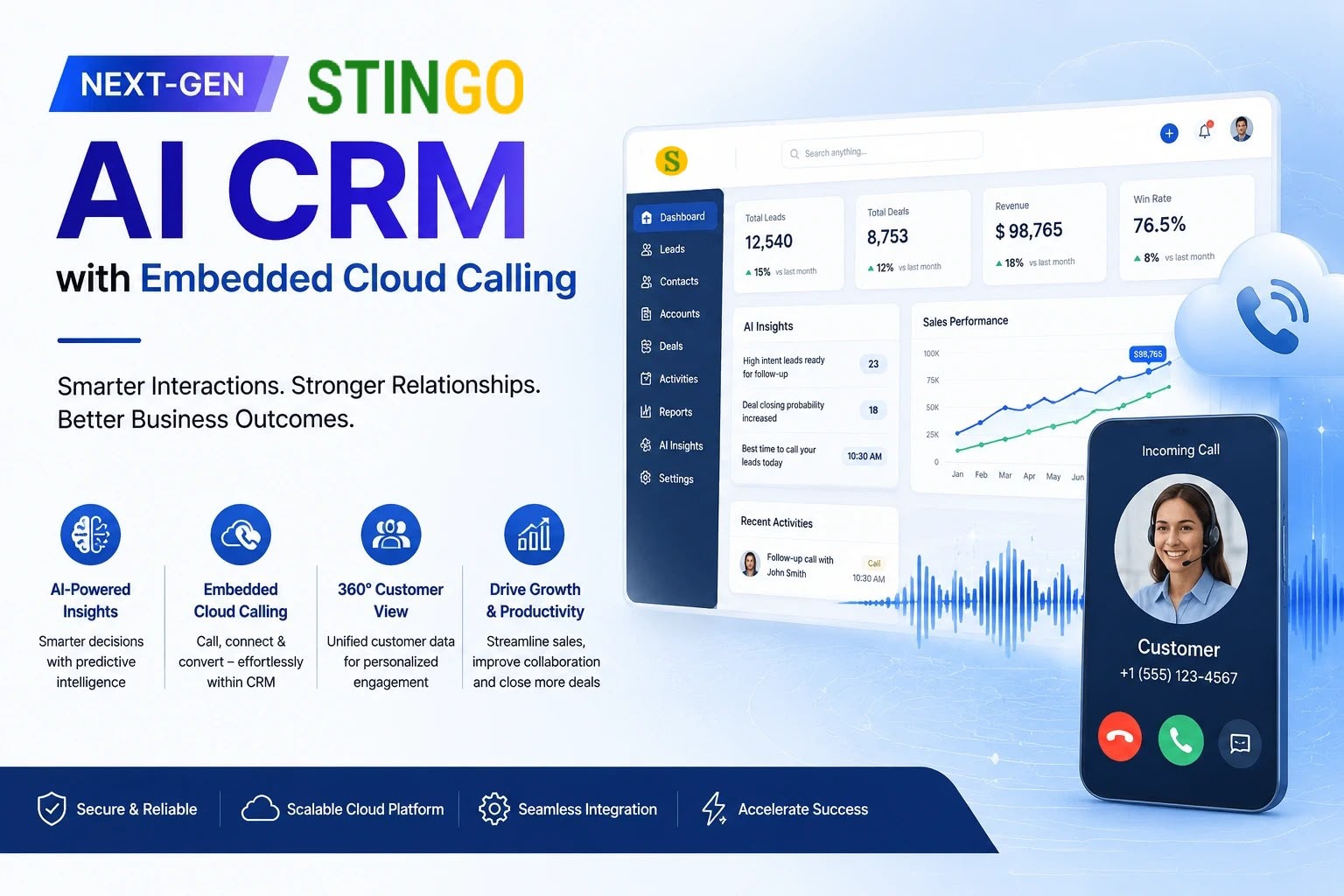
A productive calling day starts with knowing who needs attention and why. Stingo connects calling activity to the lead record so the next conversation can begin with context.
Use the Stingo mobile app to call from your existing SIM and number, with one-tap dialing from the lead record.
Keep call logs, duration, notes and outcomes alongside customer details so agents can pick up where the last conversation ended.
Record the customer's requirement and a next action after each conversation. Review pending callbacks before starting a new calling list.
Review calling activity and outcomes by agent. Use the discussion behind a result to coach your team, rather than judging only the number of calls.
Review the assigned lead, previous notes and the purpose of the call.
Open the customer record and make the call through the configured mobile workflow.
Save the outcome, important requirements and any commitment made to the customer.
Schedule the callback or hand the opportunity to the person responsible for the next step.
A prospect asks for a proposal after lunch. The agent records the requirement and schedules a callback. When another team member takes over, the shared history explains what was discussed and what still needs to happen.
Bring a sample calling list, your current call outcomes and the mobile devices your team uses. During the demo, check app permissions, call logging and the follow-up process on those devices.
Discuss your requirementsPractical details to help you plan the right setup for your team.
The app-based calling workflow described by Stingo uses the agent's own SIM. Confirm device compatibility and the required permissions during setup.
Tele Calling CRM organizes an agent's calling work and follow-ups. Inbound IVR handles callers reaching a business number and routing them to the right team.
Look at pending callbacks, meaningful conversations, recorded outcomes and opportunities that moved forward. Call volume alone does not explain sales performance.