
Coffee with clients



Smarter customer relationships
Is CRM Difficult to Learn? A Beginners Guide to CRM Software
CRM Software is-crm-difficult-to-learn
Customer Relationship Management (CRM) software has become an essential tool for businesses that want to manage leads, improve customer relationships, and increase sales
But the customer relationship management question we get asked most often is: Is CRM difficult to learn? Fortunately, CRM is relatively easy to learn, even if you're not super tech-savvy - so don't let your lack of experience put you off!
Here's everything you need to know about learning the ropes of CRM software.
What Is CRM Software?
CRM stands for Customer Relationship Management - and it's software that allows businesses to organize their customer data, keep track of sales opportunities, manage leads, and communicate with customers all in one place. So instead of having spreadsheets, notebooks and other random documentation, businesses can keep all their customer data in one CRM system.Typical features found in CRM software include:
Lead management
Track and organize potential customers. Contact management Store all your customers information (name, number, email, etc.)Sales pipeline management
Track deals from initial inquiry to sales closure.Task & follow-up management Keep schedules for calls, meetings, and reminders.
Reporting & analytics
Track the team's sales activities and winsAll of these features work together so that sales teams can stay organized and avoid missing opportunities.
Is CRM Difficult to Learn?
Learning how to use a Popular CRM software platform isn't usually difficult at all. Modern CRM programs tend to be well-designed with a user-friendly menu, dashboard, forms, and workflow. The difficulty is almost entirely dependent on how many features your platform has, how familiar you are with software in general, and what the learning curve for a specific platform looks like. For instance, learning how to enter a new lead, update the customer's details, or schedule a call back will usually only require some familiarization and practice. Learning how to automate workflows or design reports might take longer.How Long Does It Take To Learn CRM?
The time it takes to learn a CRM system will vary based on your goals and the specific software.Here are some estimates:
1-2 days: Navigating the dashboard and the basic features
3-7 days: Managing leads, contacts, activities, and follow-ups
2-4 weeks: Handling sales activities and reporting regularly
1-3 months: Advanced features and automation
These are just estimates, and how long it takes you to learn CRM will largely depend on how often you use it. The more you practice, the faster you'll learn.
Why Is CRM Software Easy to Learn?
CRM systems are generally designed with user-friendliness in mind. Here's what makes them so accessible: Dashboard access to all your contacts, deals, and activities Standardized customer records search and filter features Automated reminders for follow-ups Sequential customer journey processes Easy-to-learn sales processes Common tasks like adding a lead and updating activities require minimal effort.Why Is CRM Difficult to Learn?
While most CRM platforms are pretty user-friendly, there are some issues that might make your learning curve a little steeper. An overly complex platform that's loaded with features that aren't relevant to your business can be overwhelming. Without proper training, your team might also find it confusing to interpret which fields they need to complete when updating a contact record. If the platform is too customizable, it might also require additional time and expertise to get it set up and understand how to use it effectively. So with that in mind, choosing a CRM that suits your needs will be the most important factor.How To Learn CRM Software Faster
1. Choose the right platform.Start with simple, straightforward CRM software that offers the core features you require.
2. Focus on basic functions
Add new leads, keep contacts, and record sales activities.
3. Practice entering leads and scheduling activities.
Create test data and get used to following your usual sales process.
4. Use the CRM every day.
Familiarize yourself with your CRM every day so that it becomes second nature.
5. Explore advanced features
Gradually. Once you're confident with the basics, learn how to run reports, automate workflows, and analyse data.
Who Should Learn CRM Software?
CRM platforms are valuable for many types of professionals and businesses, including: Sales reps and sales managers are entrepreneurs. Small businesses and marketing agencies Customer service teams Real estate professionals Service-based businesses relying on lead generation Of course, whether you're working with a handful of leads or thousands of contacts, a good CRM can make your sales process more organized.Why You Should Choose the Right CRM Platform
Most new businesses and small businesses don't need a CRM with hundreds of features and functionalities, so having a simple but powerful platform will make your learning process easier and your day-to-day work more efficient. Look for the right number of lead management features, follow-up capabilities, easy access to contact records, and some basic reporting. Ultimately, make sure that your CRM is designed to support your business and is easy for your team to adapt to.Get Started with Stingo CRM
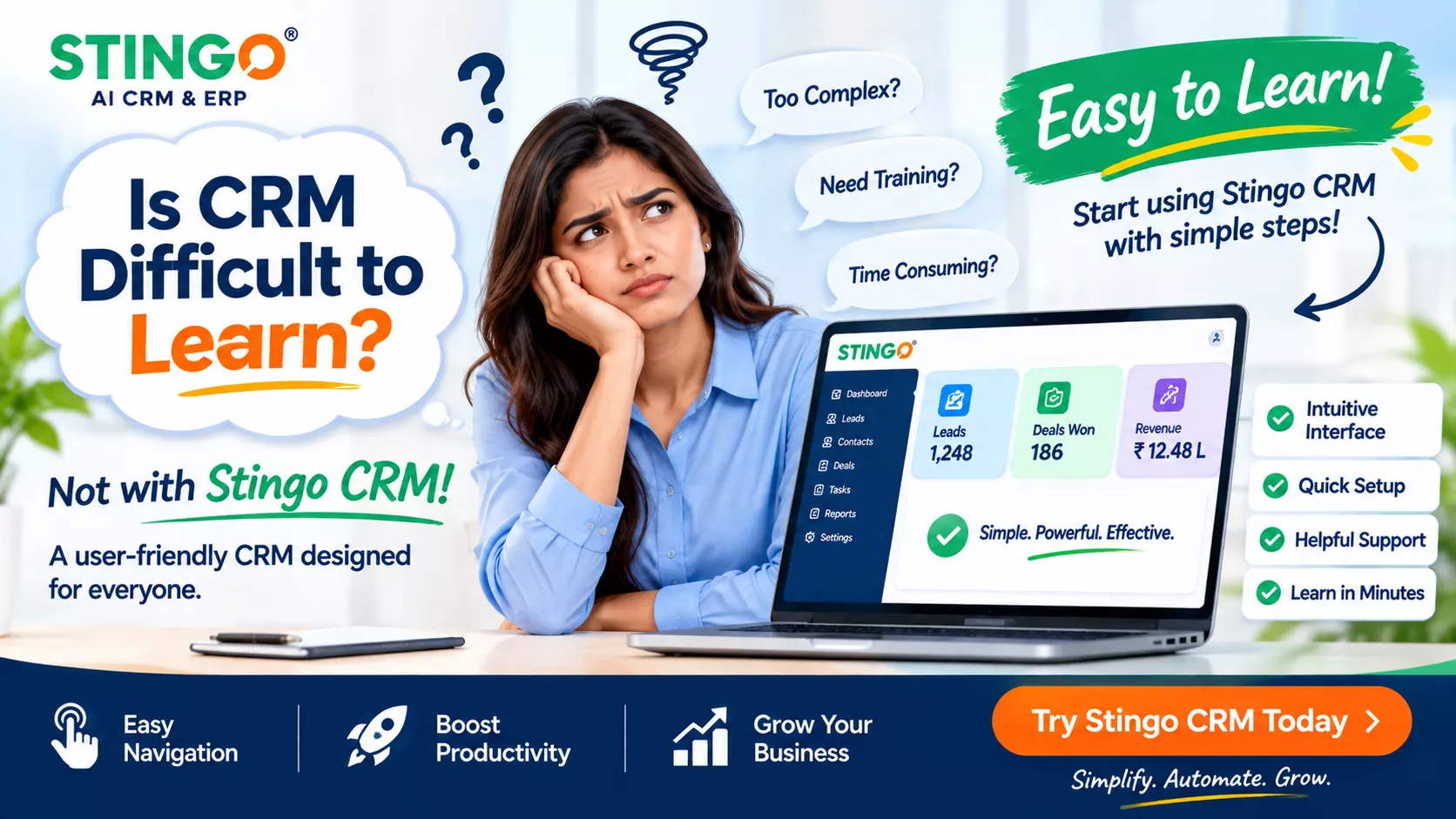
Are you in need of a practical way to organize your leads and manage customer relationships? You might want to consider giving Stingo CRM as a try demo. It can be a great addition to your search for a CRM system to help manage your leads and customer interactions. Before you go, take a look at the various features that are available and whether it'll meet your unique needs. Selecting the right CRM can make all the difference when it comes to learning and adopting your new system!Summary: Is CRM difficult to learn? Generally not. CRM software can be learned in stages: starting with a few basic tasks and gradually adding new ones to your repertoire. When you choose a simple CRM system that fits your team's workflow, you'll learn more quickly.